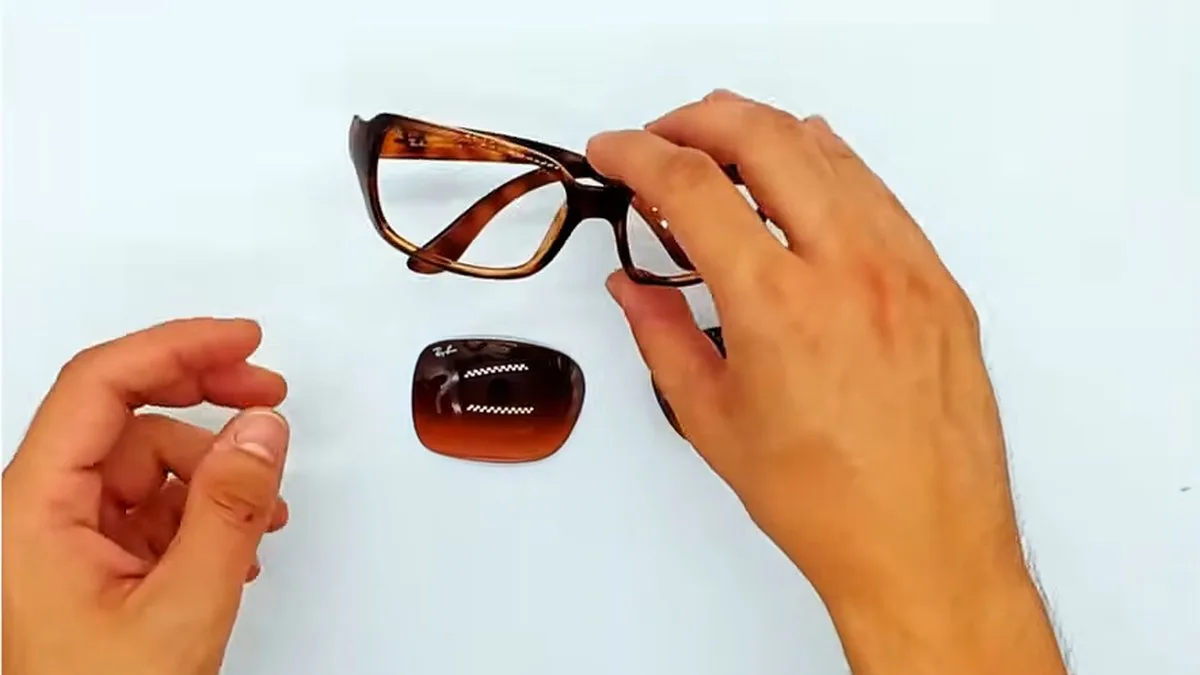
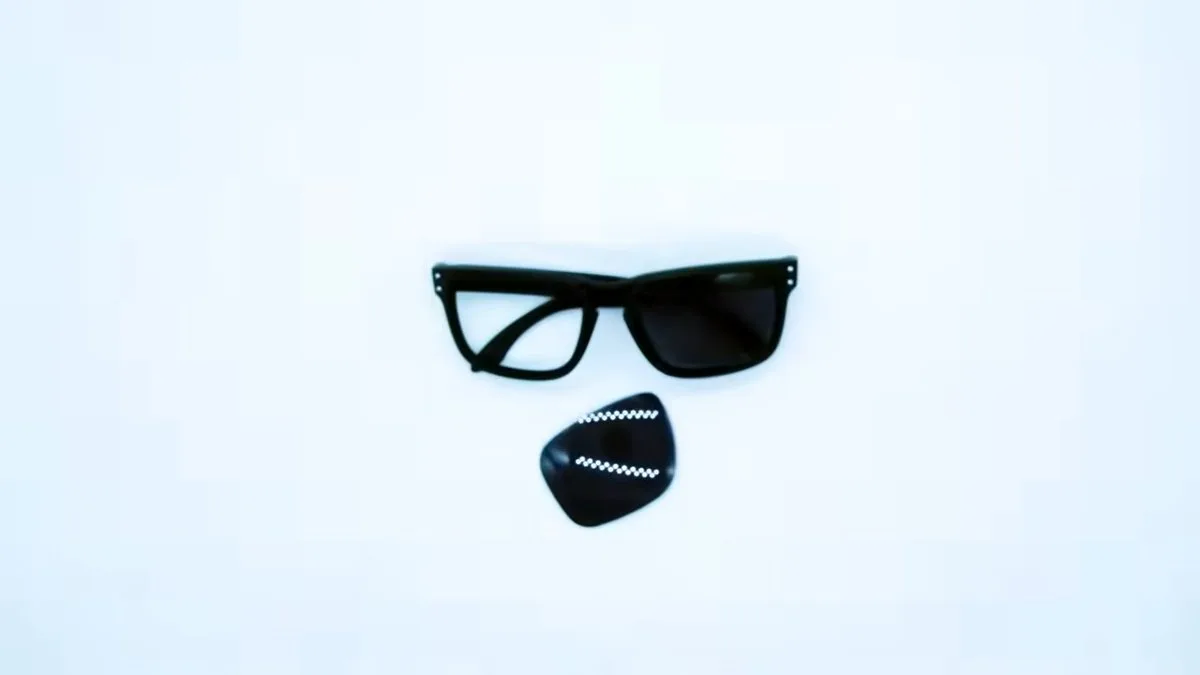
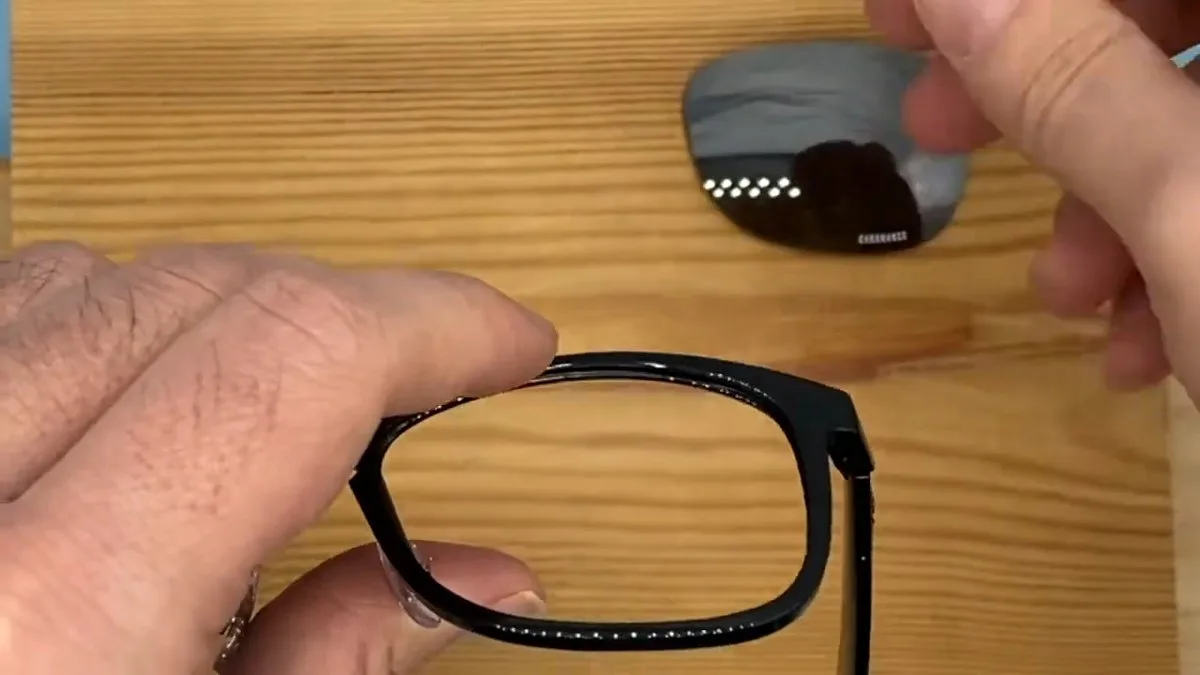
The lenses on Oakley TwoFace OO9189 sunglasses do not come out just by pushing: first you have to loosen a screw. It sits on the inner side of the front, in the upper outer corner next to the hinge. Once it is loosened the rim opens, the lens can be pushed out and the new one is seated before you tighten the screw again.
This Oakley TwoFace lens replacement guide was filmed in our workshop on a black OO9189. The video lasts 41 seconds and has no voice-over; below it you will find the written steps, an illustration and the mistakes we see most often.
Quick summary: Oakley TwoFace OO9189 · size 60 · one screw per side · precision screwdriver · no heat.
Before you replace your TwoFace lenses
Check that your sunglasses are an OO9189
Oakley prints the code on the inside of the temple: look for OO9189 followed by the colour and the lens size. The TwoFace OO9189 is size 60. If you cannot find the code, our guide to the Oakley serial number explains where to look, or send us a photo of your sunglasses.
What you need
- The new lenses.
- A mini precision screwdriver.
- A light-coloured cloth on the table, so you do not lose the screw if it comes out.
How to replace the lenses on Oakley TwoFace OO9189 sunglasses
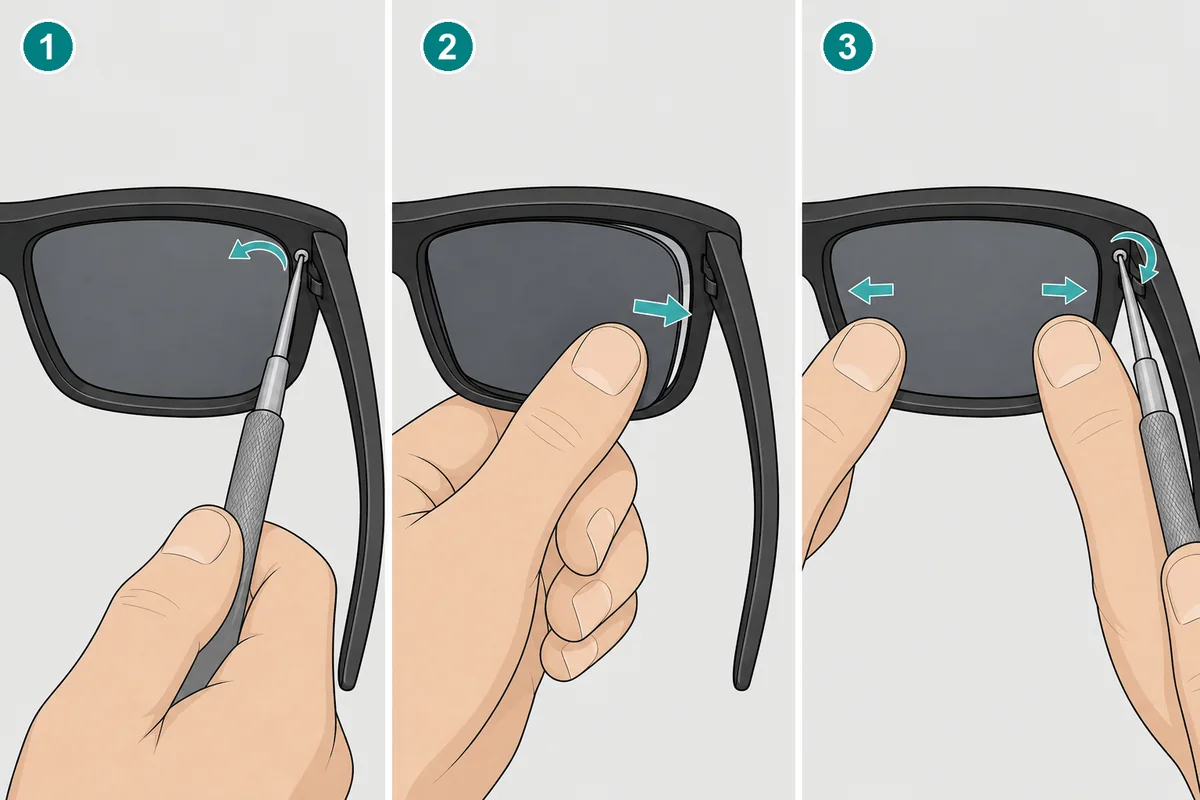
1. Loosen the rim screw
- Open the temples and look at the sunglasses from behind, from the side facing your eyes.
- Find the small screw in the upper outer corner of the front, next to the hinge.
- Loosen it with the screwdriver, turning anticlockwise, until you feel the rim open slightly. If it comes out, put it on the cloth.
2. Remove the old lens
- With the rim loosened, push the lens with your thumb from the inside outwards.
- The lens comes out of the front. Do it over the cloth.
3. Fit the new lens and tighten
- Check the side: the curved surface faces outwards and the shape must match the rim.
- Place the lens in the groove and press it with your thumbs until it sits all the way round.
- Holding the lens in place, tighten the screw again clockwise. Tighten just enough for the rim to close.
- Repeat on the other side.
4. Check the fit
Run your finger along the edge of the lens: no part should be outside the groove. Try to turn it gently; if it moves, tighten the screw a little more.
Common mistakes with the TwoFace
- Trying to push the lens out without loosening the screw. The rim is forced and can break.
- Tightening the screw before the lens is seated properly. It ends up crooked or with a gap.
- Overtightening. It can damage the thread or the lens.
- Losing the screw. It is very small: work over a light cloth.
- Using heat. It is not needed and can warp the frame.
Original, compatible or prescription lenses for the TwoFace?
| Original lens | Compatible lens | Prescription lens | |
|---|---|---|---|
| Made by | Oakley, factory original | Independent manufacturer, no Oakley logo | Us, made to measure in our workshop |
| Prescription | No | No | Yes, single vision for distance or reading |
| Colours and types | Prizm, Prizm polarized and Chrome Iridium | Tinted, gradient, 7 mirrored finishes, clear and photochromic | Clear, sun, mirrored, polarized and Transitions Gen S photochromic |
| Lead time | As shown on the product page | As shown on the product page | Made to order, ships in 3–6 working days |
The Oakley TwoFace OO9189 original replacement lenses are the brand’s own lenses in size 60, with Prizm (also polarized) and Chrome Iridium.
The compatible Oakley TwoFace replacement lenses are made of polycarbonate with UV protection, in classic and fashion colours, gradients, seven mirrored finishes, clear or photochromic, with optional Polarized Plus or Elite. Photochromic lenses darken in the sun but do not become a standard sunglass lens. They are not original Oakley and do not carry the logo.
The prescription lenses for Oakley TwoFace are made in our workshop from your prescription: single vision, for distance or reading, from −6 to +6 sphere and up to −2 cylinder. They ship in 3–6 working days and, as they are made to measure, cannot be returned.
Frequently asked questions about TwoFace lenses
Why don’t TwoFace lenses come out by pushing?
Because the rim is closed with a screw. Until you loosen it, the lens is held in place and you should not force it.
Do I have to take the screw out completely?
It is enough to loosen it until the rim gives. If it comes out, keep it somewhere safe: it is very small.
Are compatible lenses original Oakley?
No. They are made by an independent manufacturer, without the Oakley logo, to fit the OO9189.
Can I get prescription lenses for my Oakley TwoFace?
Yes, single vision lenses for distance or reading. We will ask for your prescription and pupillary distance. We do not make varifocals for this model.
Do you have temples for the TwoFace?
Yes: original Oakley TwoFace OO9189 arms, 137 mm long, in several colours.
Order the lenses for your Oakley TwoFace
Choose the original Oakley TwoFace lenses, the compatible Oakley TwoFace lenses or the prescription lenses for Oakley TwoFace. You can find other models in our original Oakley lenses, compatible Oakley lenses and prescription Oakley lenses sections.
We have been a certified EssilorLuxottica distributor since 2018, our lenses come with a 3-year warranty against manufacturing defects and standard shipping is free on qualifying orders.
If you are not sure which lens you need, contact us and we will help you identify your model.
Looking for a replacement part for your glasses?
Type the model engraved on the temple arm and we'll show you everything that fits.