...
Fast Shipping Worldwide
WORLDWIDE SHIPPING FREE SHIPPING
EUR, €
  • EUR, €
  • USD, $
  • GBP, £
  • CAD, C$
  • AUD, A$
FOX v.2.4.1.9

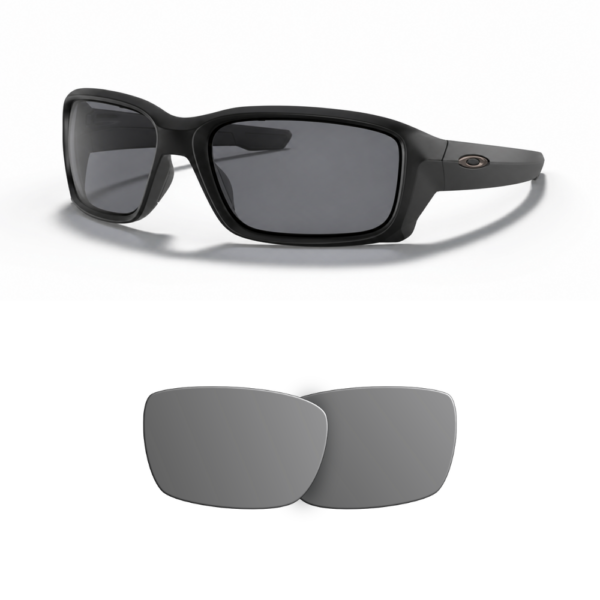
Compatible Oakley 9331 STRAIGHTLINK Replacement Lenses

From 23.00 

Important note: Engraving is strictly limited to custom text. Registered trademarks (e.g., Ray-Ban, Oakley, etc.) cannot be engraved under any circumstances.
Note: Locations are shown in front view (as if looking at another person).
/pair

Features

SIZE

61 mm.

Before making your purchase, make sure to check the measurements of your glasses. This model is available in x lens width. All dimensions are listed in millimeters and include lens width, bridge, and temple length.

MATERIAL

TACPolycarbonate

EASY INSTALLATION

Easy Installation

All our spare parts are designed to fit perfectly with your original model. You can do it yourself at home by following our step-by-step instructions or videos.

Description

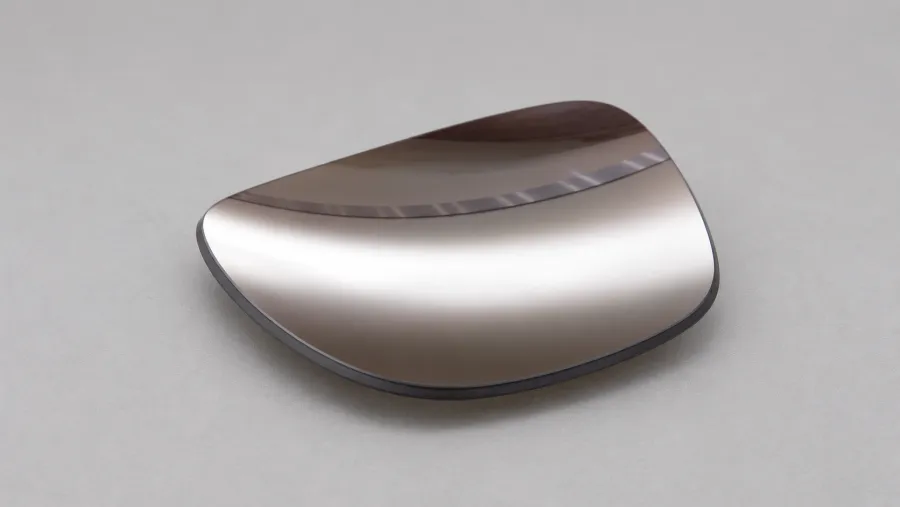
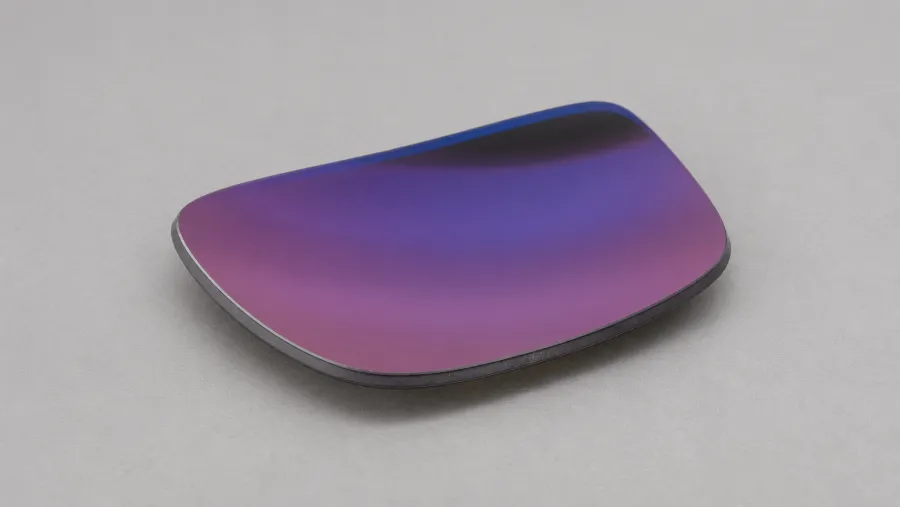
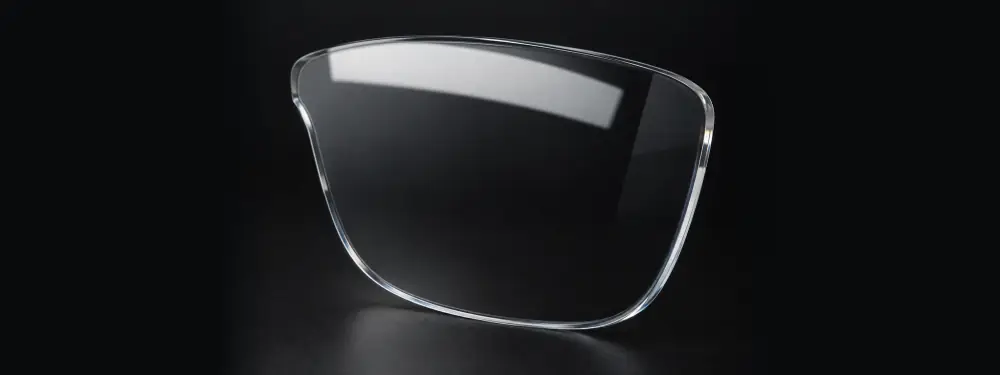
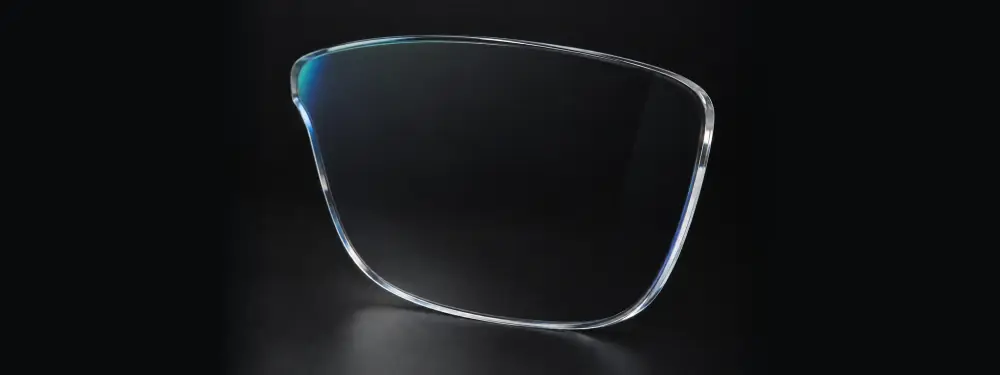
Compatible Oakley 9331 STRAIGHTLINK Replacement Lenses. Breathe new life into your sunglasses with these durable replacement lenses. Made from high-quality polycarbonate, they offer a cost-effective way to replace worn or damaged lenses, enhancing your vision clarity and sun protection.

Compatibility of Oakley 9331 STRAIGHTLINK Lenses

Check your lens compatibility by examining the interior of your sunglasses' temple for the model number 9331. Ensure the size and rectangular shape match your frames' specifications for a perfect fit.

Features of Compatible Oakley 9331 STRAIGHTLINK Lenses

  • Durable polycarbonate material
  • Guaranteed UV protection
  • Designed for the 9331 STRAIGHTLINK model
  • Easy at-home installation

How to Install Replacement Lenses

Remove the current lenses by gently pressing from behind. Insert the new lenses starting from the narrow side, ensuring they fit snugly within the frame. Check for secure placement to ensure safety during use.

Maintenance and Warranty

Keep your lenses spotless by cleaning them regularly with water and a soft cloth. We offer a 2-year warranty against manufacturing defects (this warranty does not cover scratches or damages caused by use).

Tutorial

How to change the lenses on your glasses?

  1. Prepare your glasses: Wash your hands and place the glasses on a clean, soft surface to avoid scratches.
  2. Loosen the frame screw: Use a precision screwdriver to carefully loosen the screw holding the lens. Keep the screw in a safe place to avoid losing it.
  3. Remove the old lenses: Once the screw is loosened, gently slide out the lens, avoiding excessive force to prevent damaging the frame.
  4. Align the new lenses: Ensure the new lenses match the curvature and shape of the frame.
  5. Insert the new lenses: Carefully place the lens into the frame and reinsert the screw, tightening it gently to secure the lens without over-tightening.
  6. Check and clean: Ensure the lenses are properly fitted and clean the surface with a microfiber cloth.

It’s that easy! Enjoy your refreshed glasses with new lenses.

Be Eco-Friendly

Commitment to Quality and the Environment

At Replacementlenses.net, our commitment to both quality and the environment is at the core of our mission.

We understand the importance of sustainability in today’s world, which is why we offer replacement parts for your glasses. Our goal is to help you extend the life of your favorite eyewear, reducing waste and the need for new purchases.

By choosing our products, you not only save money but also contribute to a more sustainable future. We believe that every small effort counts and that together we can make a big difference in protecting our planet.

Additional information

Weight 20 g
Dimensions 20 × 10 × 1 cm
Size

61

Oakley Model

Front Material

O_matter

Temples Material

Injected

Lens material

TAC, Polycarbonate

Shape

Rectangular

Height (mm)

63

Lens curvature

Base 8.75

Audience

Adult

Product Type

Compatible

Use

Sun

Reviews

Reviews

There are no reviews yet.

Be the first to review “Compatible Oakley 9331 STRAIGHTLINK Replacement Lenses”