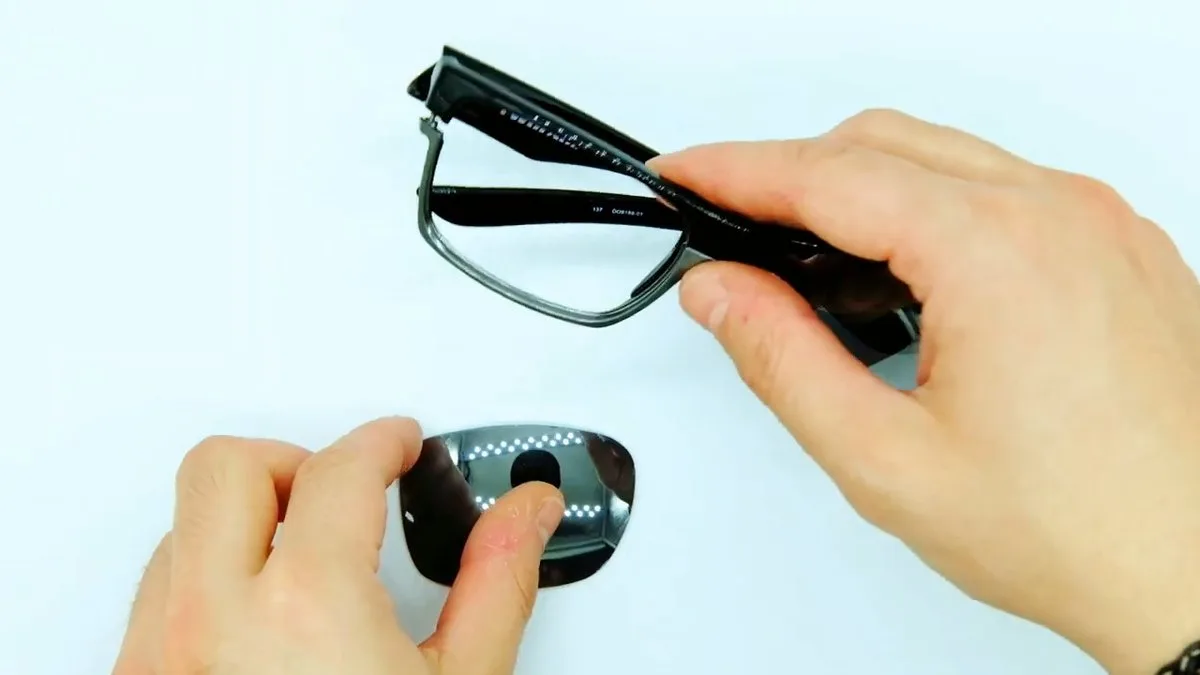
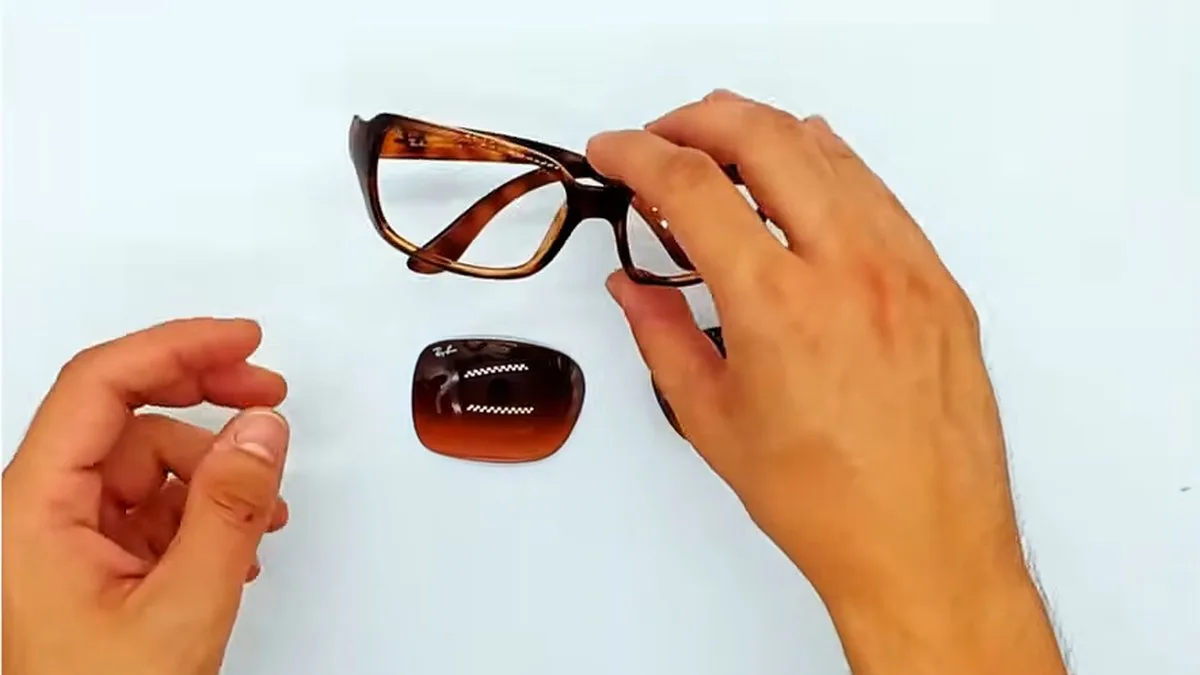
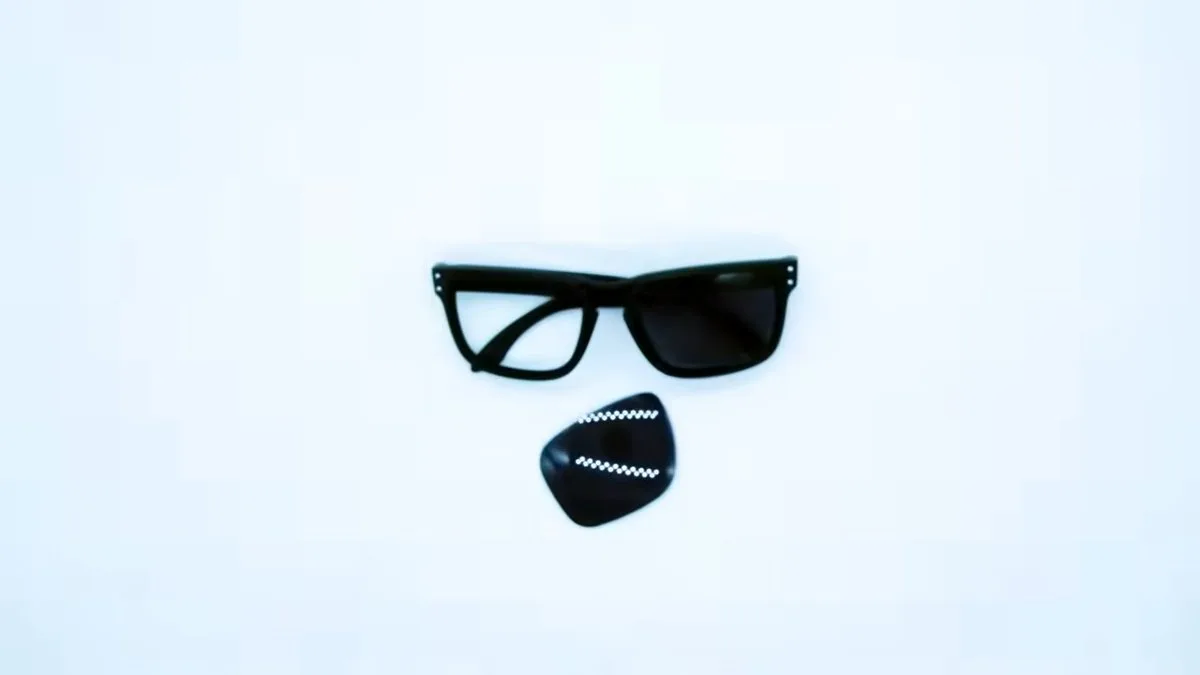
To replace the lenses on your Ray-Ban New Wayfarer 2132, you need to warm the frame in hot water, at about 40 °C, so that the material gives a little; then you push the old lens out from the inside and press the new one in until it seats. You don’t need any tools, just gentle heat and patience.
The New Wayfarer is an updated version of the classic Wayfarer. Its front is plastic and the lenses are press-fitted into the rim, so the trick is to heat it just enough for the lens to come out and go in without forcing the frame.
Before you start
Check the model and lens size
On the inside of the temple you’ll see the full reference printed: the model (RB2132), the color code and the lens and bridge measurements, in the same format as on any Ray-Ban (for example, “RB3025 001 58□14” on an Aviator). The New Wayfarer comes in several sizes, so note down the lens size: the new lens has to be exactly that size.
Choose your replacement lens
For maximum clarity and protection, we recommend lenses designed specifically for this model. We have original Ray-Ban 2132 New Wayfarer lenses, a more affordable option in compatible lenses and prescription lenses if you want to wear them with your prescription.
What you need
- A bowl of water at about 40 °C: hot, but comfortable to touch with your hand.
- A microfiber cloth to dry and handle the lenses.
- A clear surface and good light.
Step by step: how to change the RB2132 lenses
- Dip the front of the glasses in the water at about 40 °C and leave it long enough for the material to become a little more flexible.
- Take it out of the water and dry it with the cloth.
- Hold the front with one hand and, with the thumb of your other hand, push the old lens outward from the inside, starting at one side, until it comes out completely.
- If the frame has cooled down and the lens resists, warm it in the water again. Don’t force it when cold.
- Pick up the new lens with the cloth and place it in its rim, with the curved side facing outward.
- Seat it starting at one side and keep pressing all the way around the edge until it sits properly in the groove.
- Repeat with the other lens and let the frame cool down to room temperature.
Once it has cooled down completely, check that the lenses don’t move and that no part of the edge is sitting outside the groove.
Common mistakes
- Using boiling water or a hair dryer on full power. Too much heat can warp the frame or damage the lens. About 40 °C is enough.
- Forcing it when cold. If the lens won’t come out, warm it a little more instead of pushing harder.
- Pushing from the wrong side. To remove it, you push from the inside outward.
- Ordering a different lens size. A lens in another size won’t fit or will be loose. Always check the reference on the temple.
- Touching the lenses with your fingers. Use the cloth to avoid leaving fingerprints.
Frequently asked questions
What temperature should the water be?
About 40 °C, that is, hot but comfortable to touch without burning yourself. It is enough for the material to give a little without damaging it.
Can I use a hair dryer?
Yes, on a low setting and held at a distance, moving it so the heat doesn’t concentrate on one spot. Never apply intense heat.
Do classic Wayfarer lenses fit the New Wayfarer?
No. They are different models and the lens shape is different. Always order lenses for the RB2132 in your lens size.
What warranty do they have?
All our lenses come with a 3-year warranty against manufacturing defects. The originals come from EssilorLuxottica, for whom we have been a certified distributor since 2018.
More replacement parts for your New Wayfarer
If you also need to replace temples, screws or other small parts, we have original Ray-Ban 2132 temples and spare parts for the 2132. Standard shipping is free on qualifying orders. If you’re not sure about the lens size, write to us with a photo of the temple and we’ll help you by email.
Looking for a replacement part for your glasses?
Type the model engraved on the temple arm and we'll show you everything that fits.