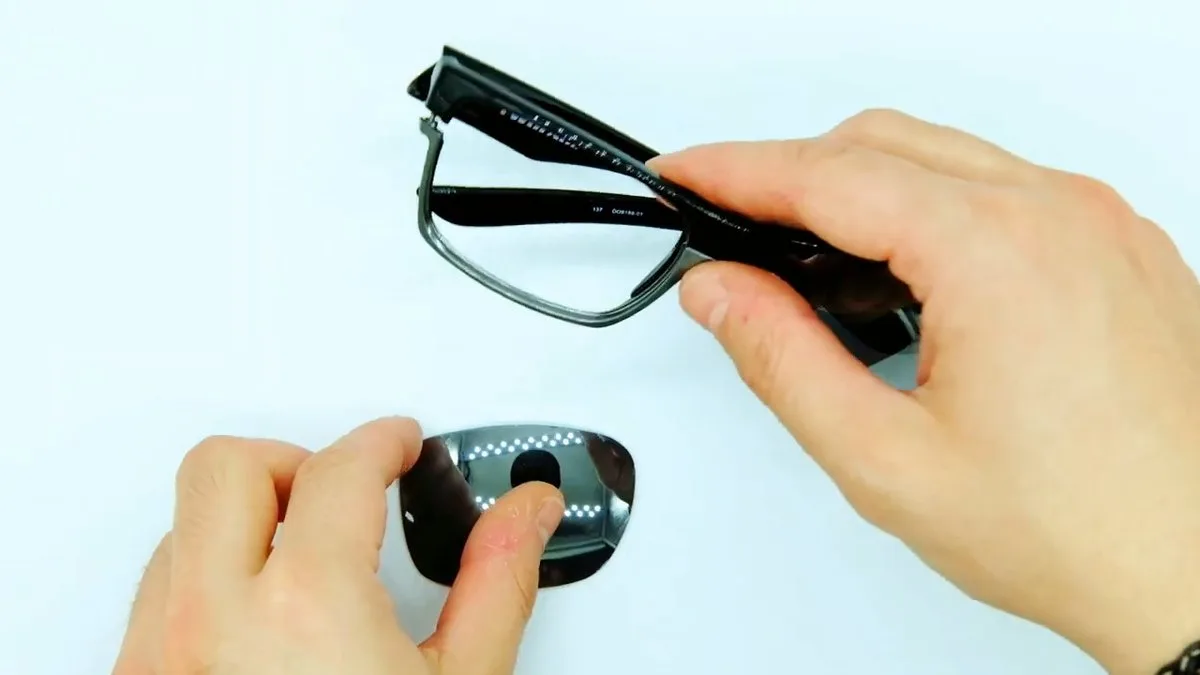
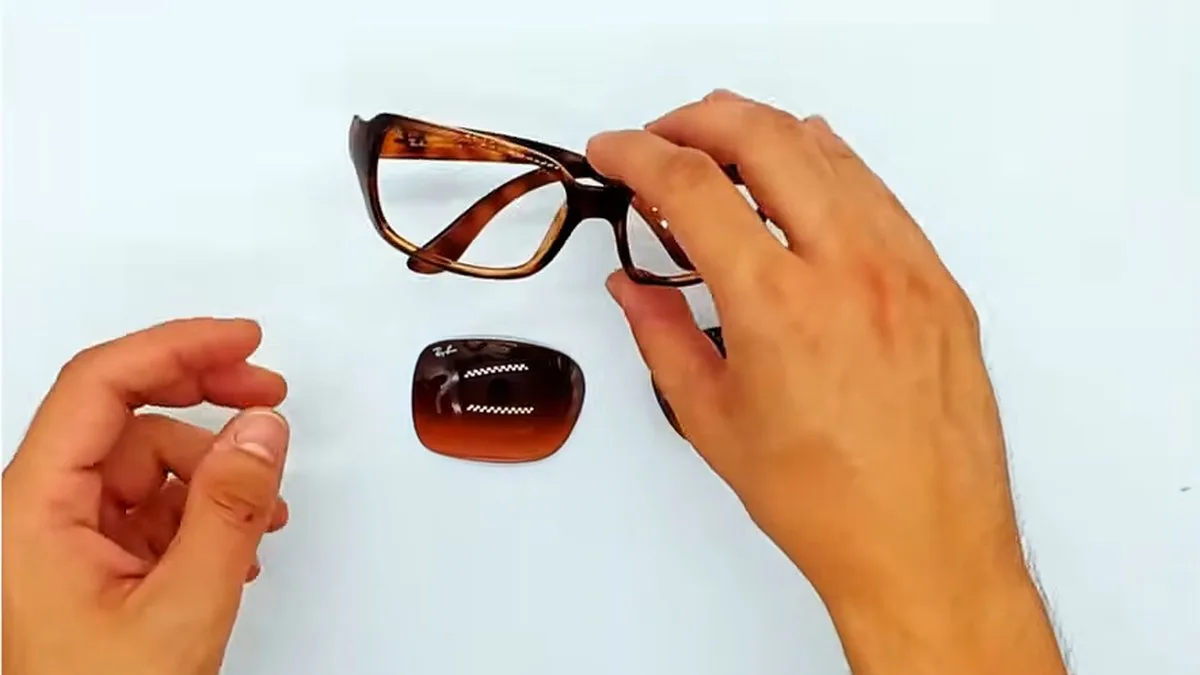
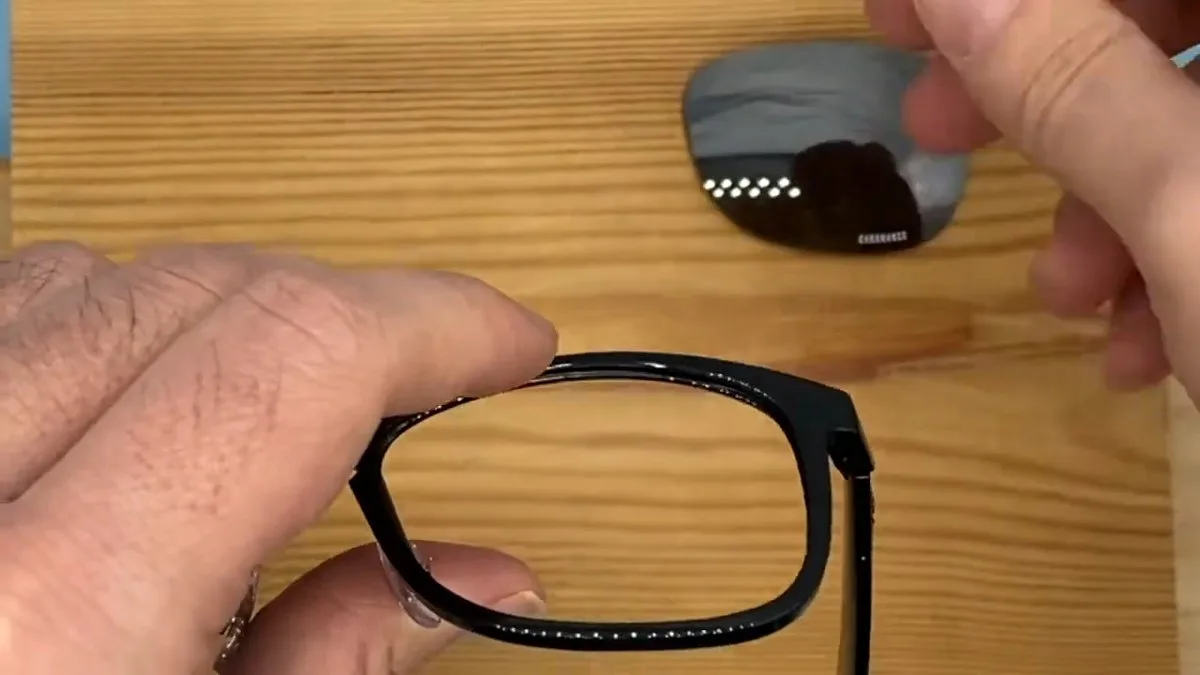
You can replace the lenses on Oakley Holbrook OO9102 sunglasses by hand, without tools. The old lens comes out when you push it with your thumbs from the inside of the frame, and the new one is pressed in from the front until it clicks into place.
This Oakley Holbrook lens replacement guide was filmed in our workshop on a matte black OO9102. The video lasts 21 seconds and has no voice-over; below it you will find the same steps in writing, an illustration of each movement and the mistakes we see most often.
Quick summary: Oakley Holbrook OO9102 · size 55 or 57 · O Matter frame · no tools · no heat · lenses pressed into place.
Before you replace your Oakley Holbrook lenses
Check that your sunglasses are an OO9102
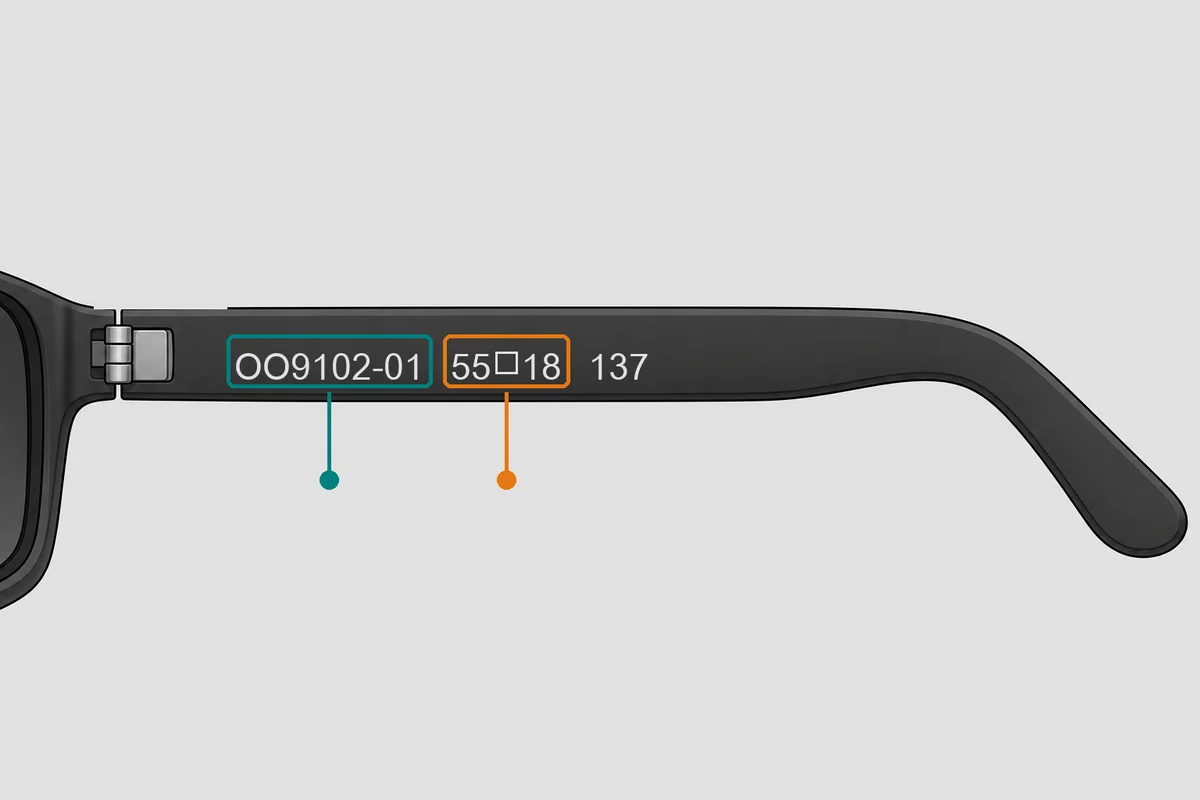
Oakley prints the code on the inside of the temple. You will see something like “OO9102-01 55□18 137”:
- OO9102 is the Holbrook model; the number after the dash is the colour.
- 55 is the lens size, the width of the lens in millimetres. The Holbrook comes in 55 and 57.
- 18 is the bridge and 137 the temple length.
Holbrook, Holbrook XL and Holbrook Metal do not share lenses
There are several Holbrooks and each one has its own lenses. If your temple says OO9417, you have a Holbrook XL: follow our guide on Oakley 9417 lens replacement or go straight to the Holbrook XL replacement lenses. If it says OO4123, it is the Holbrook Metal, a different model with its own Holbrook Metal lenses. And sizes 55 and 57 do not share lenses either, so always order your size.
If you cannot find the code, our guide to the Oakley serial number explains where to look, or send us a photo of your sunglasses and we will tell you which one it is.
What you need
- The new lenses in your size.
- A clean microfibre cloth on a clear table.
- Clean, dry hands. No tools are used in the video.
How to replace the lenses on Oakley Holbrook OO9102 sunglasses
1. Remove the old lens
- Open the temples and hold the frame with both hands, one on each side of the lens you are removing.
- Place both thumbs on the inner surface of the lens, the side facing your eyes.
- Push outwards firmly and steadily. The lens comes out of the groove and out of the front.
- Do it over the cloth and repeat on the other side.
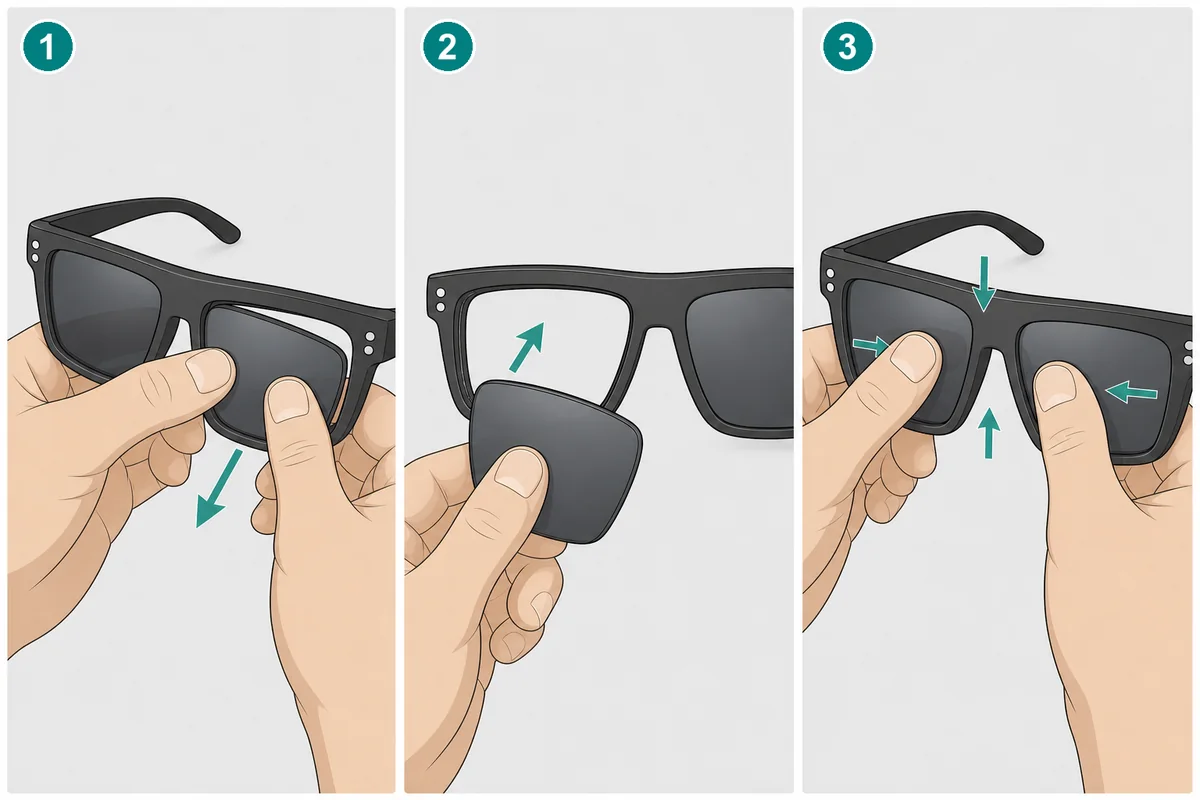
2. Fit the new lens
Check the side and orientation before pressing: the curved side faces outwards and each lens has its own side. Original lenses have the Oakley logo etched in one corner. Our compatible lenses have no logo, so hold them against the rim and go by the shape.
- Hold the sunglasses with the front facing you.
- Slide one edge of the lens into the groove of the rim first, for example the temple side.
- With both thumbs, press the surface of the lens inwards while your other fingers support the frame from behind.
- Keep pressing around the lens until you feel the click: the lens is fully seated in the groove.
3. Check the fit
Run your finger all the way round: no part of the edge should be outside the rim. Try to turn the lens gently; if it moves, it is not seated properly or it is not your size. Clean the lenses with the cloth when you have finished.
Common mistakes with the Holbrook
- Ordering lenses for a Holbrook XL (OO9417) or Holbrook Metal (OO4123) for an OO9102.
- Mixing up sizes 55 and 57. Always check the temple.
- Pressing on the lens with your fingernails. Use the pads of your thumbs so you do not mark the coating.
- Levering with a screwdriver or heating the frame. It is not needed and can damage the O Matter.
- Twisting the frame too much. Pushing the lens is enough; the frame barely needs to flex.
Original, compatible or prescription lenses for the Holbrook?
| Original lens | Compatible lens | Prescription lens | |
|---|---|---|---|
| Made by | Oakley, factory original | Independent manufacturer, no Oakley logo | Us, made to measure in our workshop |
| Sizes | 55 and 57 | 55 and 57 | 57 |
| Prescription | No | No | Yes, single vision for distance or reading |
| Colours and types | Prizm, Prizm polarized and Iridium | Tinted, gradient, 7 mirrored finishes, clear and photochromic | Clear, sun, mirrored, polarized and Transitions Gen S photochromic |
| Lead time | As shown on the product page | As shown on the product page | Made to order, ships in 3–6 working days |
Original Oakley Holbrook lenses
The Oakley Holbrook OO9102 original replacement lenses are the brand’s own lenses in sizes 55 and 57, with Prizm (also polarized) and Iridium technology. Choose them if you want your sunglasses exactly as they came.
Compatible lenses for the Oakley Holbrook
The compatible Oakley Holbrook OO9102 replacement lenses are made of polycarbonate with UV protection, in sizes 55 and 57. They come in classic and fashion colours, gradients, seven mirrored finishes, clear or photochromic, non-polarized or with Polarized Plus or Polarized Elite (the latter with anti-reflective coating). Photochromic lenses darken in the sun but do not become a standard sunglass lens. And one important point: they are not original Oakley lenses and do not carry the Oakley logo.
Prescription lenses for the Oakley Holbrook
The prescription lenses for Oakley Holbrook OO9102 are made in our workshop from your prescription, in size 57. They are single vision, for distance or reading, from −6 to +6 sphere and up to −2 cylinder. You can order them clear, as sun lenses, mirrored, polarized or Transitions Gen S photochromic. They ship in 3–6 working days and, as they are made to measure, cannot be returned.
Frequently asked questions about Holbrook lenses
Can I replace the lenses on my Oakley Holbrook at home?
Yes. They are pressed into the groove of the rim. You push them out from the inside and fit the new ones from the front, with no tools.
How do I know if my Holbrook is size 55 or 57?
From the number before the square (□) on the inside of the temple. If you cannot read it, measure the lens from side to side or send us a photo.
Do Holbrook XL lenses fit the Holbrook?
No. The Holbrook XL (OO9417) is larger and has its own lens shape.
Are compatible lenses original Oakley?
No. They are made by an independent manufacturer, without the Oakley logo, to fit the OO9102.
Can I get prescription lenses for my Oakley Holbrook?
Yes, single vision lenses for distance or reading in size 57. We will ask for your prescription and pupillary distance. We do not make varifocals for this model.
What if I need a temple?
We have original Oakley Holbrook OO9102 arms, 137 mm long, in many colours. Our guide on installing replacement temples on the Oakley OO9102 shows you how.
Order the lenses for your Oakley Holbrook
To keep them as they came, choose the original Oakley Holbrook replacement lenses. For another colour or a lower price, go for the compatible Oakley Holbrook lenses. And if you need a prescription, order the prescription lenses for Oakley Holbrook.
You can find other Oakley replacement lenses in our original Oakley lenses, compatible Oakley lenses and prescription Oakley lenses sections.
We have been a certified EssilorLuxottica distributor since 2018, our lenses come with a 3-year warranty against manufacturing defects and standard shipping is free on qualifying orders.
If you are not sure which lens you need, contact us and we will help you identify your model and size.
Looking for a replacement part for your glasses?
Type the model engraved on the temple arm and we'll show you everything that fits.